Free Vectorizer Benchmark
We traced the same 20 images with the open-source engines behind many free vectorizers, each at its default settings, and with our own. Then we measured the white dots, the color accuracy and the size of every SVG. We built one of these engines, so the method and the raw numbers are all below.
Tested · Download the data (CSV)
Results on all 20 images
| Engine | See-through pixels (mean) | Color error (mean ΔE) | Anchor points (median) | File size (median) |
|---|---|---|---|---|
| Vectorizely this site · Color mode, colors on Auto (the defaults) | 0.02% | 2.09 | 396 | 9.9 KB |
| VTracer 1.0.0-alpha.4 · library defaults | under 0.01% | 5.82 | 1,441 | 37.2 KB |
| ImageTracer.js 1.2.6 · the 'default' preset (16 colors) | 9.9% | 3.31 | 5,972 | 132.5 KB |
| AutoTrace 0.40.0 · 16 colors (-color-count 16), on the image flattened onto white | 2.1% | 3.35 | 12,522 | 278.2 KB |
Lower is better in every column. See-through pixels are the white dots and seams: opaque parts of the image that come out transparent. Potrace traces black and white only, so it is in the line art table below.
What we found
- White dots are an engine problem, and two engines avoid them. VTracer left under 0.01% of the artwork see-through and ours 0.02%. ImageTracer.js left 9.9% on average, up to 100% on the doodle, and AutoTrace 2.1%.
- Color accuracy depends on how an engine picks its colors. Vectorizely had the lowest color error overall (2.09). By group, Vectorizely was closest on flat logos and icons, on JPG and small logos, on illustrations and on gradients and photos; ImageTracer.js on line art. AutoTrace's files were a median 28 times the size of ours. VTracer's defaults merge close shades into one color, and its color error was 5.82, the highest of the four.
- File sizes differ by more than ten times. The median SVG was 9.9 KB from ours, 37.2 KB from VTracer, 132.5 KB from ImageTracer.js and 278.2 KB from AutoTrace. Anchor points, the points you'd edit, follow the same order.
- For black-and-white line art, our B&W mode is the most faithful. It reproduced 96.4% of the ink, against 96.3% for Potrace and 91.3% for VTracer's B&W preset, with the fewest anchor points (573 against Potrace's 688) and the smallest files.
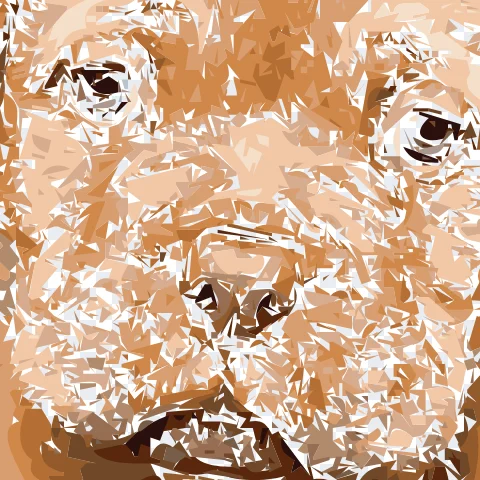
- No engine makes a good vector of a photo. The closest on our photo was VTracer, at a color error of 3.8 and 1,061 KB. Every result is flat patches of color.
What changed since the first run
We first ran this benchmark on 2026-10-04. Since then we changed two things in our engine and one in the scoring, and reran every engine on the same images. The other engines ran exactly as before.
- Our B&W mode. The first run had Potrace ahead on line art, with 96.3% ink overlap against 92.8% for our B&W mode, whose strokes came out slightly heavy. We rebuilt it to trace contours straight from the grayscale image, so edges land inside pixels instead of on pixel boundaries. It now reproduces 96.4% of the ink.
- Soft shadows in our color mode. A soft drop shadow or glow used to come out as a hard dark edge on one side and nothing on the other. Our color mode now traces it on its own, as a stack of see-through shapes under the rest of the image, one per level of opacity. Its mean color error went from 2.18 to 2.09.
- How color error is averaged. The first run averaged it over the pixels that either the source or the SVG covers. AutoTrace can't read transparency, so it ran on images flattened onto white and traced the white background too, which spread its error over every pixel while the other engines' error was spread over the artwork alone. Color error is now averaged over every pixel, for every engine. The first-run figure above is scored the same way.
By kind of image
Mean color error per group. The lowest in each row is in bold.
| Images | Vectorizely | VTracer | ImageTracer.js | AutoTrace |
|---|---|---|---|---|
| Flat logos and icons (6) | 0.50 | 2.46 | 1.39 | 1.04 |
| JPG and small logos (3) | 1.58 | 2.47 | 3.22 | 2.56 |
| Line art (4) | 1.74 | 2.44 | 1.67 | 2.80 |
| Illustrations (4) | 0.93 | 1.09 | 2.64 | 1.56 |
| Gradients and photos (3) | 7.79 | 26.72 | 10.32 | 11.87 |
Up close
Each row zooms into the part of one image where the engines disagree most, picked by the scoring script, not by hand. The original is shown as raw pixels, and each SVG is drawn sharp at the same zoom.
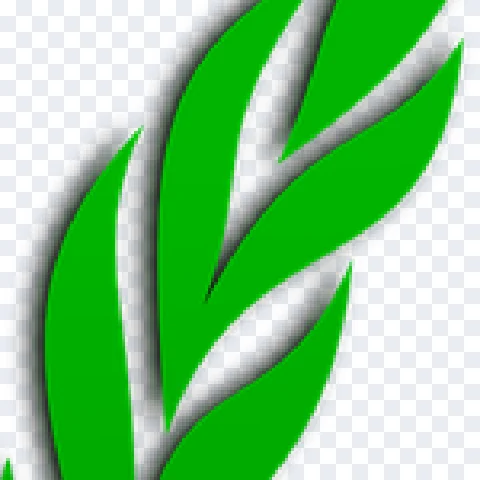
Original
the pixels you'd upload
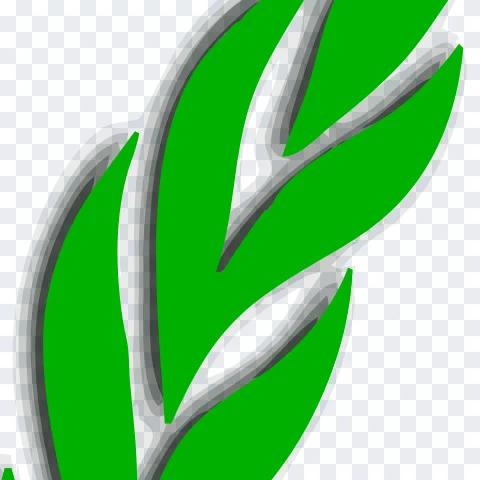
Vectorizely
ΔE 1.3 · 2,512 points · 39.6 KB
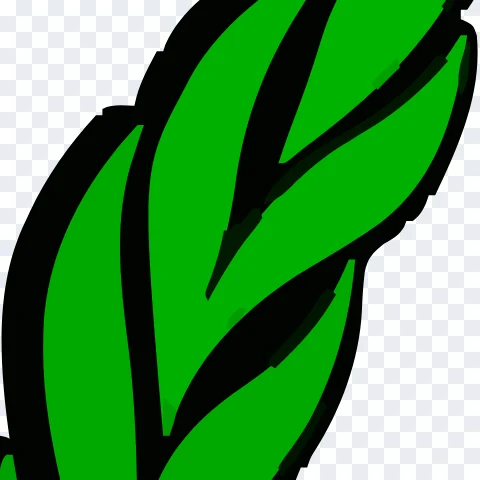
VTracer
ΔE 10.9 · 1,319 points · 34.8 KB
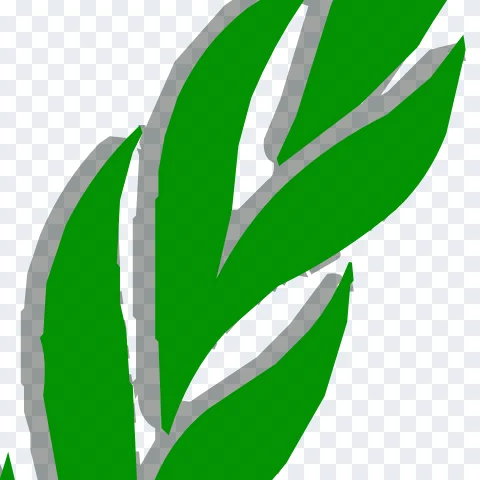
ImageTracer.js
ΔE 3.2 · 3,004 points · 68.5 KB
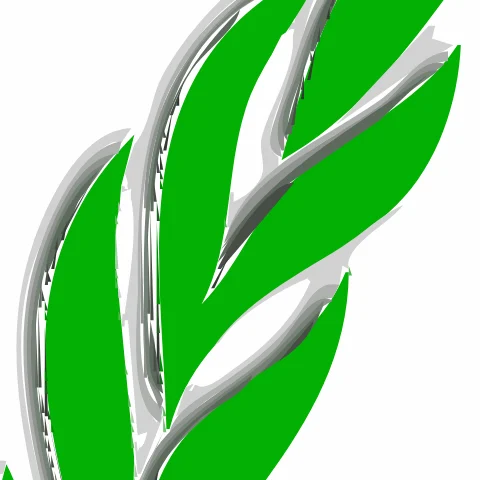
AutoTrace
ΔE 2.7 · 23,948 points · 559.0 KB
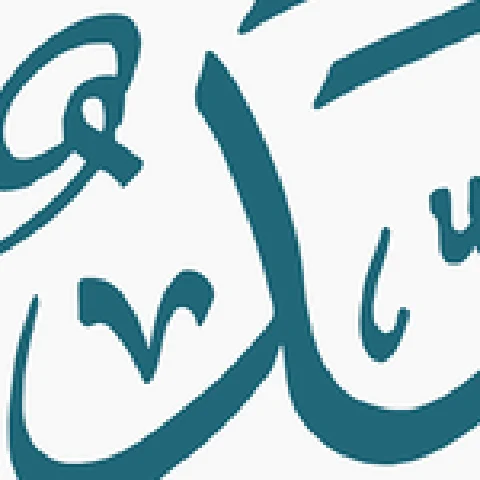
Original
the pixels you'd upload
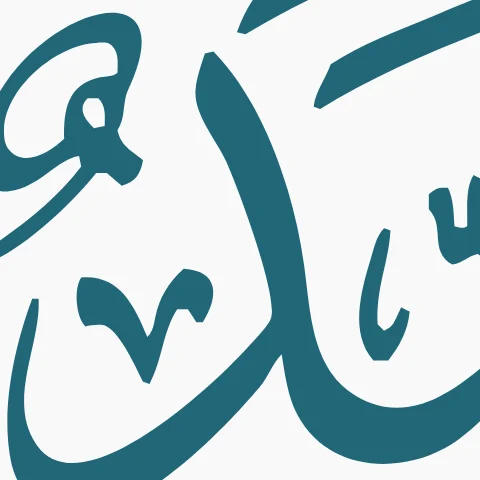
Vectorizely
ΔE 0.3 · 264 points · 6.3 KB
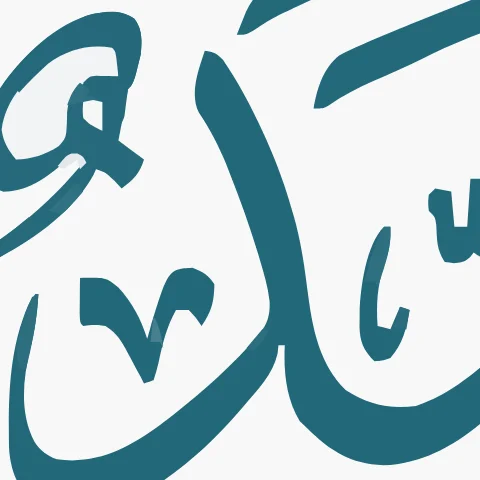
VTracer
ΔE 0.6 · 725 points · 19.8 KB
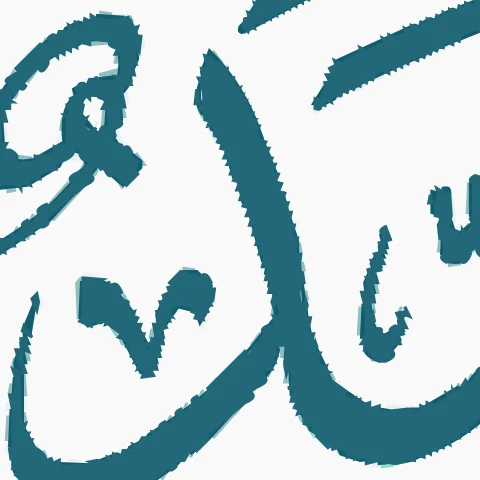
ImageTracer.js
ΔE 0.3 · 6,370 points · 152.0 KB
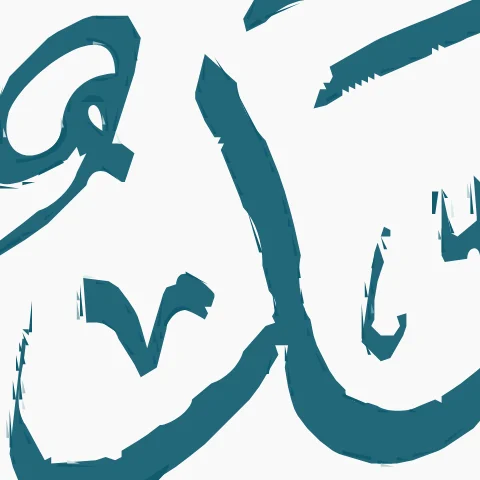
AutoTrace
ΔE 0.4 · 20,270 points · 438.8 KB

Original
the pixels you'd upload

Vectorizely
ΔE 2.1 · 134 points · 3.7 KB
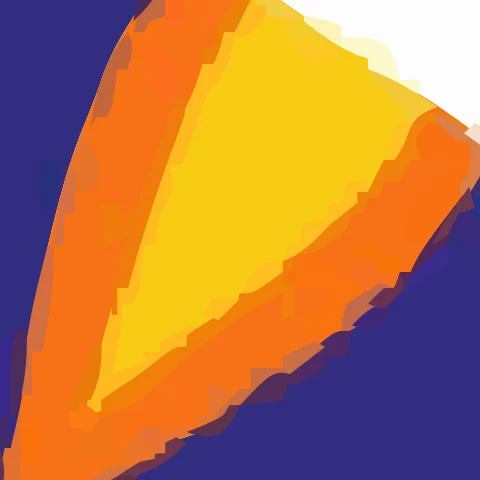
VTracer
ΔE 2.3 · 3,647 points · 87.6 KB
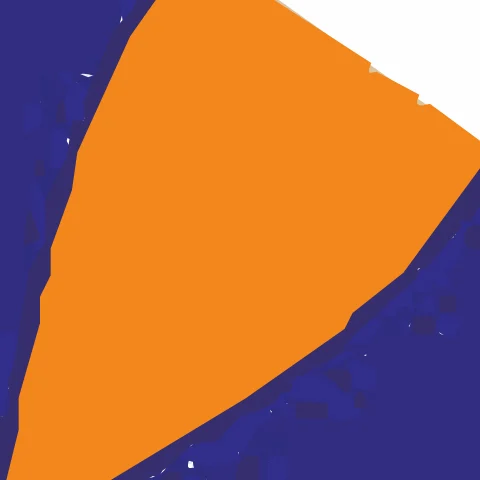
ImageTracer.js
ΔE 3.2 · 10,617 points · 244.9 KB
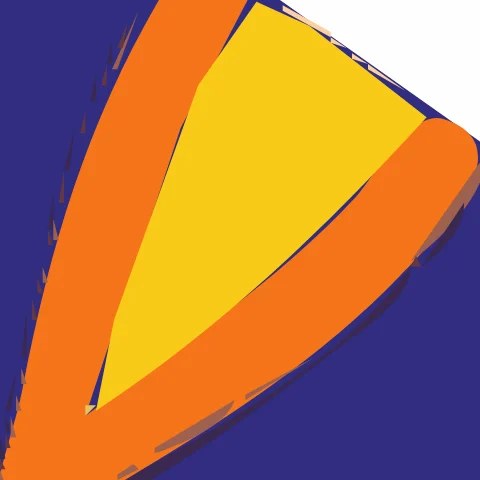
AutoTrace
ΔE 2.7 · 11,577 points · 250.4 KB

Original
the pixels you'd upload

Vectorizely
ΔE 1.8 · 154 points · 4.3 KB

VTracer
ΔE 4.0 · 116 points · 3.3 KB

ImageTracer.js
ΔE 5.5 · 612 points · 18.3 KB

AutoTrace
ΔE 3.7 · 2,263 points · 46.3 KB

Original
the pixels you'd upload
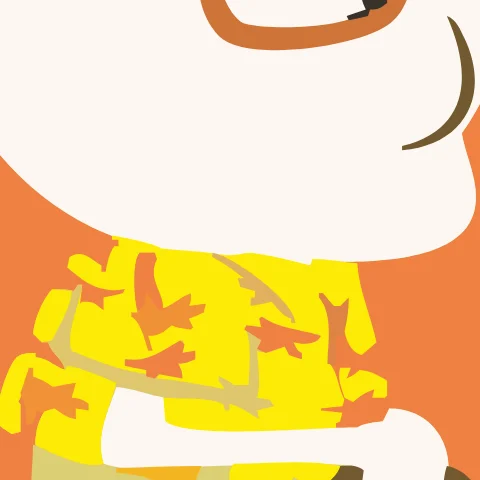
Vectorizely
ΔE 0.6 · 597 points · 12.4 KB

VTracer
ΔE 0.4 · 1,562 points · 39.5 KB
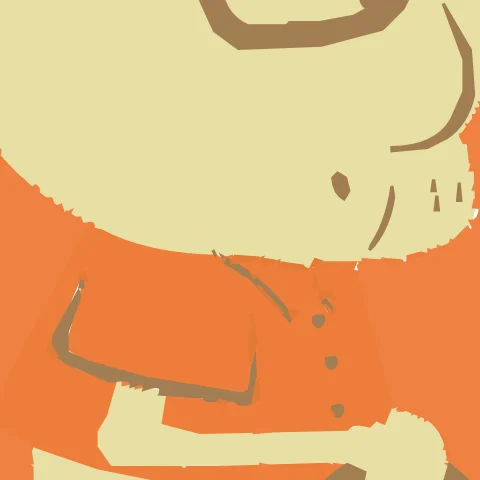
ImageTracer.js
ΔE 2.8 · 2,408 points · 56.3 KB
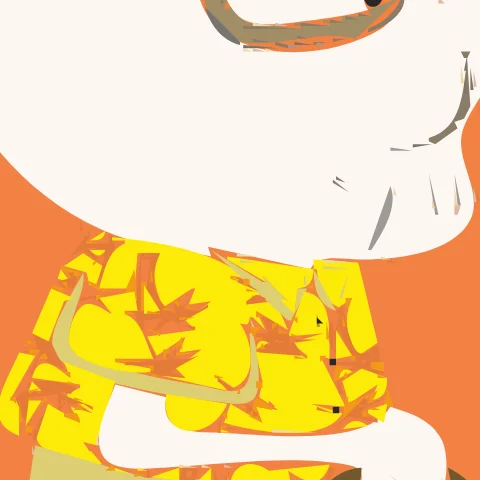
AutoTrace
ΔE 1.0 · 7,381 points · 151.1 KB
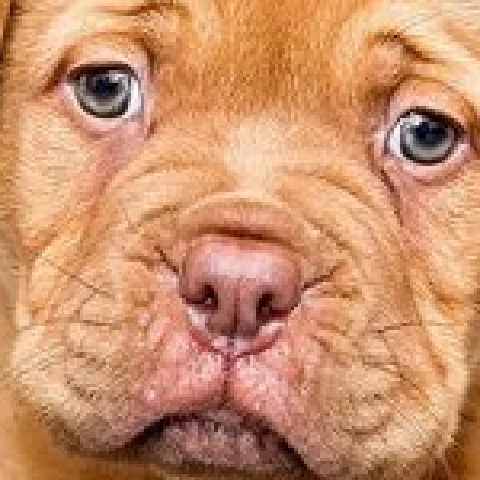
Original
the pixels you'd upload
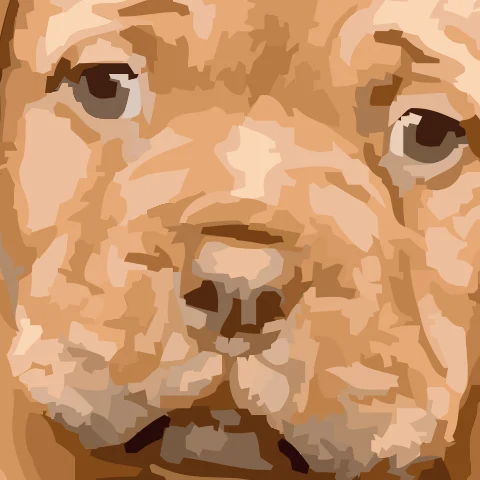
Vectorizely
ΔE 4.0 · 23,690 points · 429.3 KB
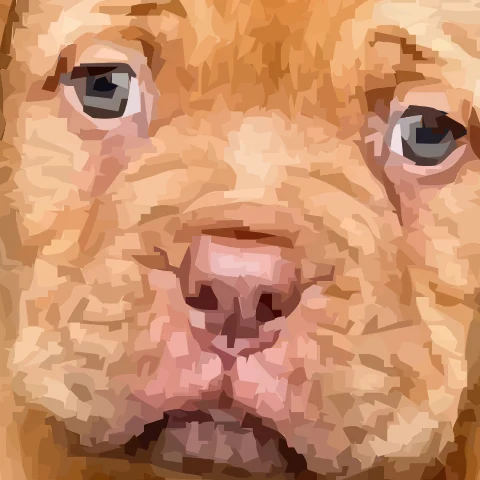
VTracer
ΔE 3.8 · 47,232 points · 1,060.8 KB
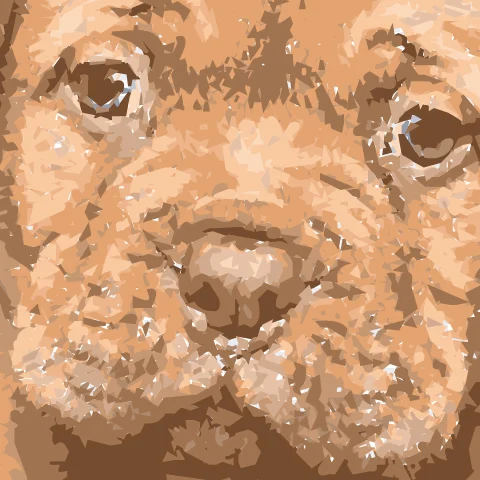
ImageTracer.js
ΔE 4.2 · 62,644 points · 1,207.0 KB
AutoTrace
ΔE 6.9 · 54,419 points · 979.4 KB
Black-and-white line art
On the 4 line art images we also ran the black-and-white engines: Potrace, VTracer's B&W preset and our B&W mode. They leave the paper transparent, so instead of see-through pixels this table scores ink overlap: of the pixels that are dark in the source or in the SVG, the share that are dark in both. Higher is better.
| Engine | Ink overlap (mean) | Anchor points (median) | File size (median) |
|---|---|---|---|
| Vectorizely this site · B&W mode, which traces contours straight from the grayscale image | 96.4% | 573 | 11.0 KB |
| Potrace 1.16 · command-line defaults, on the image thresholded at 50% gray | 96.3% | 688 | 14.2 KB |
| VTracer 1.0.0-alpha.4 · the 'bw' preset | 91.3% | 1,003 | 26.1 KB |
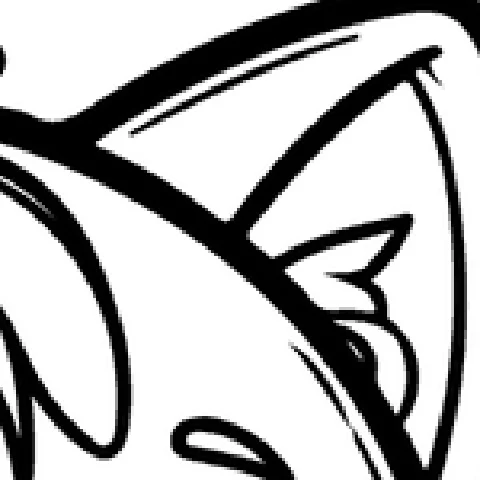
Original

Vectorizely
ink 95.0% · 1,115 points
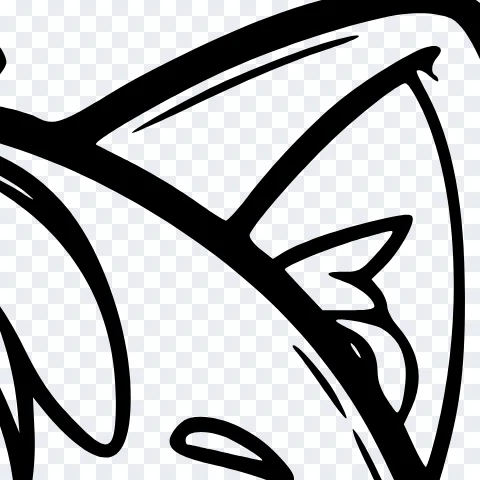
Potrace
ink 94.4% · 1,327 points
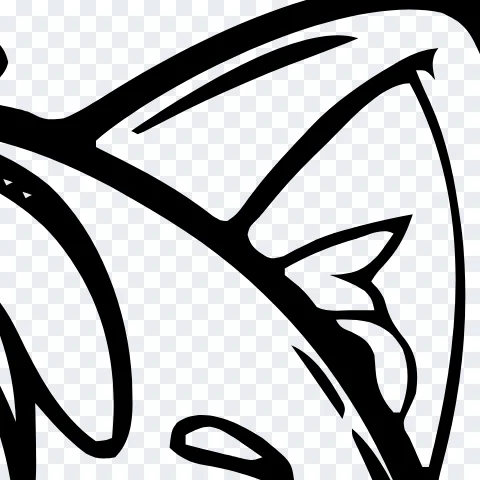
VTracer
ink 86.5% · 1,678 points

Original

Vectorizely
ink 97.9% · 583 points
Potrace
ink 98.7% · 643 points

VTracer
ink 96.2% · 974 points
Every image
Color error and file size per engine. The CSV has every measure.
| Image | Vectorizely | VTracer | ImageTracer.js | AutoTrace |
|---|---|---|---|---|
 Flat logo Flat logo512 × 512 px | 0.2 2.1 KB | 0.3 3.3 KB | 0.5 1.6 KB | 0.3 1.4 KB |
 Flat icon Flat icon256 × 256 px | 0.2 6.0 KB | 0.3 2.1 KB | 0.4 1.0 KB | 0.4 0.7 KB |
 Rocket badge Rocket badge480 × 480 px | 0.5 3.5 KB | 1.5 6.9 KB | 3.4 48.3 KB | 1.4 140.6 KB |
 Laurel wreath Laurel wreath800 × 661 px | 1.3 39.6 KB | 10.9 34.8 KB | 3.2 68.5 KB | 2.7 559.0 KB |
 Calligraphy emblem Calligraphy emblem800 × 799 px | 0.3 6.3 KB | 0.6 19.8 KB | 0.3 152.0 KB | 0.4 438.8 KB |
 Flag of Brazil Flag of Brazil800 × 560 px | 0.5 4.3 KB | 1.1 17.6 KB | 0.5 208.8 KB | 1.1 209.4 KB |
 Rocket badge saved as JPG (quality 70) Rocket badge saved as JPG (quality 70)480 × 480 px | 2.1 3.7 KB | 2.3 87.6 KB | 3.2 244.9 KB | 2.7 250.4 KB |
 Flat logo saved as JPG (quality 70) Flat logo saved as JPG (quality 70)512 × 512 px | 0.8 2.2 KB | 1.2 39.7 KB | 0.9 113.0 KB | 1.3 109.9 KB |
 Rocket badge at 160 px Rocket badge at 160 px160 × 160 px | 1.8 4.3 KB | 4.0 3.3 KB | 5.5 18.3 KB | 3.7 46.3 KB |
 Ink drawing Ink drawing800 × 800 px | 1.2 12.3 KB | 2.0 52.9 KB | 1.0 639.4 KB | 1.9 1,198.2 KB |
 Coloring page Coloring page800 × 773 px | 2.4 25.9 KB | 3.3 110.4 KB | 1.5 643.7 KB | 2.7 1,715.4 KB |
 Signature Signature900 × 360 px | 0.5 4.7 KB | 1.2 24.0 KB | 1.1 81.4 KB | 0.7 306.0 KB |
 Ink drawing photographed on paper Ink drawing photographed on paper800 × 800 px | 2.9 73.1 KB | 3.3 347.7 KB | 3.1 4,238.3 KB | 5.9 3,566.3 KB |
 Doodle Doodle800 × 486 px | 0.7 17.1 KB | 1.5 65.1 KB | 4.2 94.3 KB | 0.8 227.2 KB |
 Flat illustration Flat illustration579 × 800 px | 0.9 7.4 KB | 0.8 23.6 KB | 0.8 298.6 KB | 0.8 317.2 KB |
 Cartoon character Cartoon character800 × 721 px | 0.6 12.4 KB | 0.4 39.5 KB | 2.8 56.3 KB | 1.0 151.1 KB |
 Cartoon on a pattern (JPG) Cartoon on a pattern (JPG)800 × 800 px | 1.5 44.6 KB | 1.7 281.8 KB | 2.7 1,585.7 KB | 3.6 981.6 KB |
 Shaded shield Shaded shield674 × 800 px | 1.8 53.6 KB | 5.9 97.3 KB | 2.5 264.1 KB | 4.9 386.5 KB |
 Color gradient Color gradient420 × 420 px | 17.6 61.5 KB | 70.6 0.3 KB | 24.2 16.0 KB | 23.8 13.4 KB |
 Photo Photo800 × 533 px | 4.0 429.3 KB | 3.8 1,060.8 KB | 4.2 1,207.0 KB | 6.9 979.4 KB |
Which free tools run these engines
These free tools name the engine they run on their own site, in their docs or in their code (checked ). How close a tool comes to its engine's results here depends on its settings and on anything it does to the image first. Several popular converters, among them Convertio, PicSVG and pngtosvg.com, don't say which engine they run, so they aren't listed.
| Engine | Free tools that name it |
|---|---|
| Potrace | SVGcode, getsvg.app, Inkscape's Trace Bitmap, most modes, vectormaker.co, vectorization.org, imagetosvg.com |
| VTracer | VTracer's own web app, CloudConvert, imagetosvg.com, photo2vector.com, svgvector.com, vectorise.me, RasterTrace, Vectorizely, with its own color cleanup |
| AutoTrace | autotracer.org, Inkscape's Autotrace and Centerline modes, fconvert.com, online-converting.com |
| ImageTracer.js | delphi.tools Image Tracer, webbrowsertools.com Image Vectorizer |
How we tested
The images
20 images in five groups: flat logos and icons (6), the same kind of logo saved as a low-quality JPG or at 160 px (3), line art (4), illustrations (4), and gradients and a photo (3). They come from Pixabay, from our own drawings, and one public-domain flag. We chose them before the first run and did not swap any out afterwards.
The engines
Each ran at its own default settings, with two exceptions noted below. Vectorizely ran the site's own code with the site's default settings.
- Vectorizely (VTracer 1.0.0-alpha.4 plus our own color cleanup and shadow tracing, 0902d7a): Color mode, colors on Auto (the defaults).
- VTracer 1.0.0-alpha.4: library defaults.
- ImageTracer.js 1.2.6: the 'default' preset (16 colors).
- AutoTrace 0.40.0: 16 colors (-color-count 16), on the image flattened onto white.
- Potrace 1.16: command-line defaults, on the image thresholded at 50% gray.
AutoTrace's own default does no color reduction. Run that way, it produced a median of 81,781 anchor points and a 1.8 MB file per image, and on the photo and the gradients it dropped whole regions (20.0% of the artwork see-through on average). So the table gives it 16 colors, the same as ImageTracer.js's default. Potrace traces only black and white, so it ran on the line art, on the image thresholded at half brightness. Our own B&W mode traces contours straight from the grayscale image; our other modes run VTracer, and our color mode traces soft shadows and glows separately, as stacked see-through shapes.
The scores
Each SVG was drawn in Chromium 140.0.7339.16 at 640 px on the long side and compared pixel by pixel with the source image at the same size.
- See-through pixels: the share of the source's fully opaque pixels that come out less than 98% opaque. These are the white dots, seams and gaps.
- Color error: the mean CIE76 ΔE between source and SVG over every pixel of the image, both placed on white. A pixel neither one covers counts as zero, so an engine that traces the white background is averaged over the same pixels as one that leaves it clear.
- Ink overlap: for line art, the pixels darker than half brightness in both the source and the SVG, divided by those dark in either.
- Anchor points: every point in the SVG's path data. It counts what you'd edit and compares fairly between engines that pack outlines into a few compound paths and engines that write one path per shape.
- File size: the SVG as the engine wrote it, before any optimizer.
What this leaves out
- Paid tools. We left out Vectorizer.AI and Vector Magic, which charge for their results. Vectorizer.AI's terms of use also forbid using its results for benchmarking.
- Hosted free sites. We tested engines, not websites, because a site can change its settings any day. The table above lists the free tools that say which engine they run.
- Our own bias. We make Vectorizely, and we picked the images and the measures. Defaults are not each engine's best: VTracer and AutoTrace have many settings that can do better on a given image. The set is small, and color error rewards matching the palette more than smooth curves. The per-image CSV lets you check every number.
The data is free to reuse under CC BY 4.0; credit "Vectorizely free vectorizer benchmark". To trace your own image the way it ran here, use the SVG converter.
Frequently asked questions
Which free vectorizer is the most accurate?
On our 20 test images, Vectorizely matched the source colors most closely, with a mean color error (CIE76 delta E) of 2.09. VTracer left the fewest see-through pixels (under 0.01%). For black-and-white line art, Vectorizely was the most faithful, with 96.4% ink overlap.
Why do some SVG converters leave white dots in the result?
Tracers that outline each color region separately leave thin gaps where neighboring outlines don't quite meet, and the page shows through them. In this test ImageTracer.js left 9.9% of each image's artwork see-through on average, and AutoTrace 2.1%. Engines that stack shapes instead of fitting them edge to edge avoid the gaps.
Is Potrace better than VTracer?
For black-and-white line art, Potrace was more faithful here: 96.3% ink overlap against 91.3% for VTracer's B&W preset. Potrace only traces black and white, though. On color images VTracer is the one of the two that works, with almost no see-through pixels but a mean color error of 5.82 at its default settings.
Can a free vectorizer turn a photo into a good SVG?
Not really. A photo has no clean shapes to trace, so every engine produces flat patches of color. On our photo the closest result came from VTracer (color error 3.8), using 47,232 anchor points in a 1,061 KB file. For photos, keep the JPG.